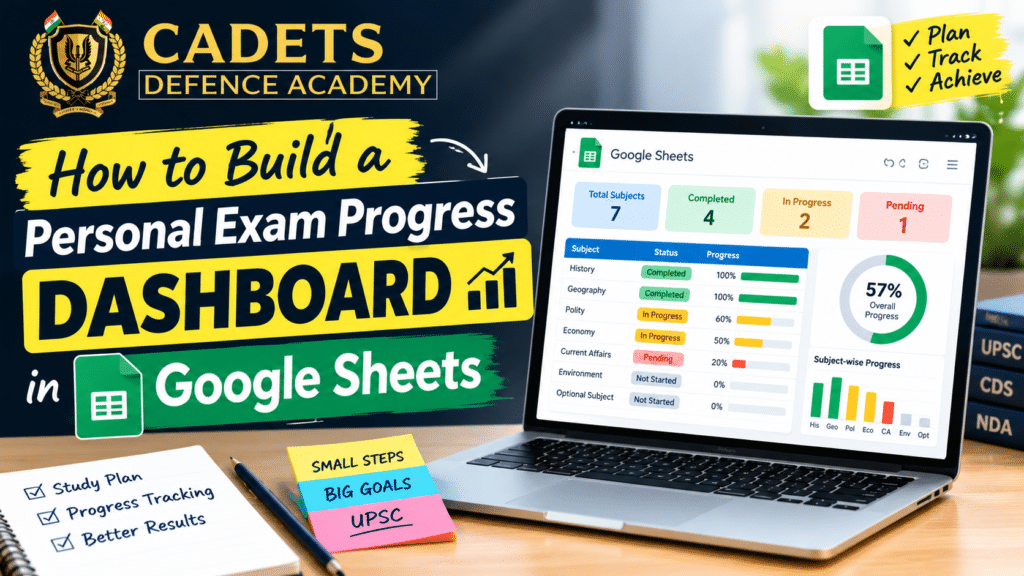
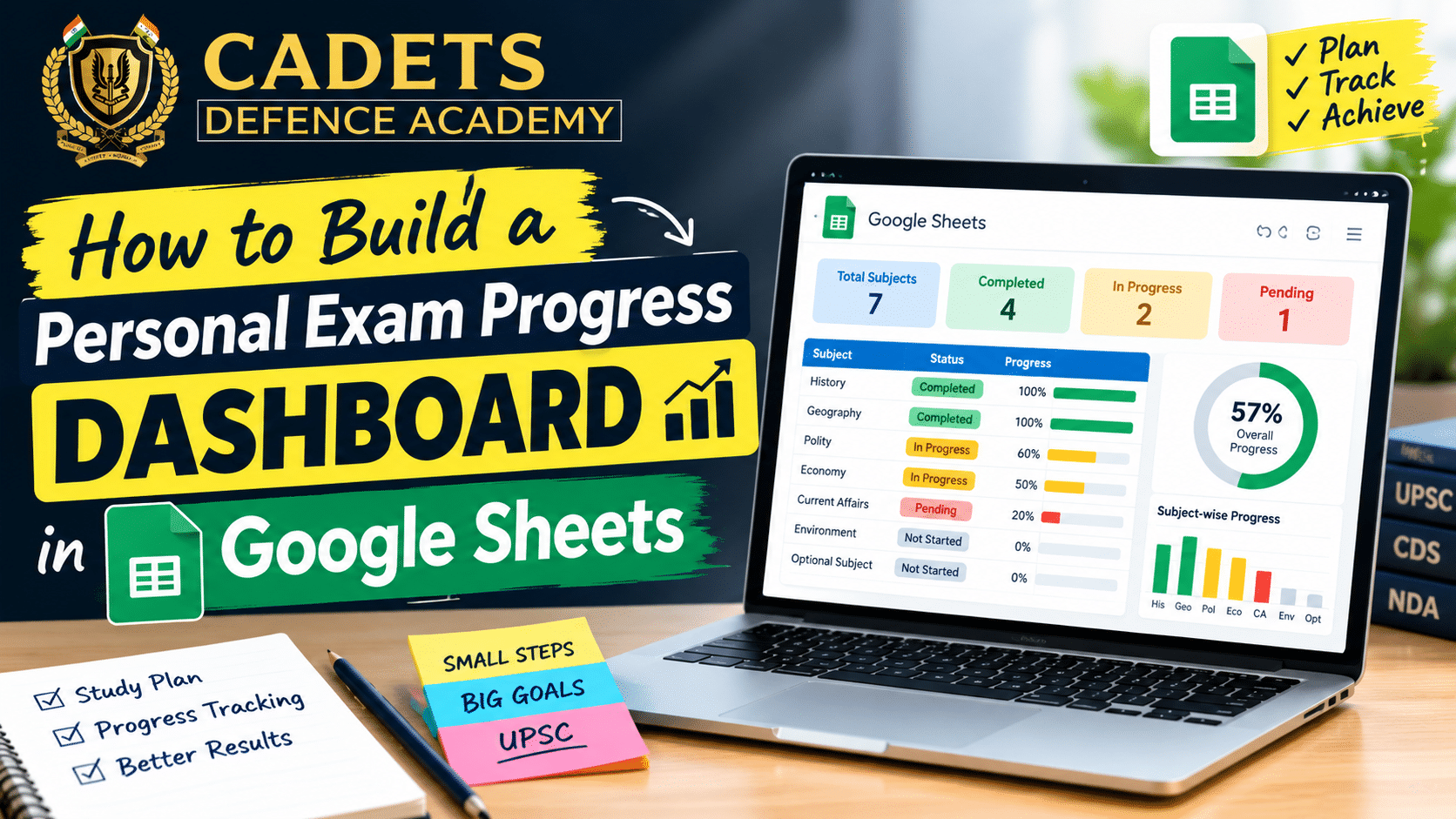
An exam progress dashboard in Google Sheets is a digital tracking system designed to monitor your preparation journey for competitive exams like NDA, CDS, AFCAT, and other defence examinations. If you’re preparing for the National Defence Academy or pursuing any defence exam, maintaining an organized exam progress dashboard becomes crucial for success.
At Cadets Defence Academy, we consistently advise our students to use an exam progress dashboard in Google Sheets because it provides real-time insights into their preparation status. Unlike traditional notebooks, a Google Sheets dashboard allows you to track multiple metrics simultaneously—from subject-wise progress to mock test performance—in one centralized location.
The beauty of Google Sheets is its accessibility. Whether you’re at Cadets Defence Academy in Dehradun or studying remotely, you can access your exam progress dashboard from any device, at any time. This flexibility is essential for students juggling classroom learning with self-study routines.
Benefits of Tracking Exam Preparation Progress
Understanding why you need an exam progress dashboard in Google Sheets is the first step toward consistent preparation. Let’s explore the key advantages:
1. Identifying Weak Areas Early
When you maintain a detailed exam progress dashboard, you can quickly identify subjects or topics where your accuracy is below target. This early identification allows you to seek additional support from faculty at institutions like Cadets Defence Academy before the exam.
2. Maintaining Motivation Through Visual Progress
Psychological research shows that visual representation of progress significantly boosts motivation. An exam progress dashboard in Google Sheets with charts and progress bars provides tangible evidence of your improvement, keeping you motivated during tough preparation phases.
3. Data-Driven Decision Making
Rather than relying on intuition, your exam progress dashboard provides concrete data about:
- Which study hours are most productive
- Which subjects need more focus
- Mock test performance trends
- Topic-wise accuracy patterns
4. Time Management Optimization
By tracking daily study hours in your exam progress dashboard, you can identify your peak productivity hours and optimize your study schedule accordingly. This is particularly useful for NDA aspirants following the rigorous curriculum at Cadets Defence Academy.
5. Performance Analysis for SSB Preparation
Beyond written exams, maintaining records in your exam progress dashboard helps with personality development and mock interview performance tracking—essential components of SSB coaching.
Setting Up Your Google Sheets Dashboard
Creating an effective exam progress dashboard in Google Sheets requires proper planning and organization. Here’s your step-by-step setup guide:
Step 1: Create a Master Sheet
Begin by creating a new Google Sheet and naming it “Exam Preparation Dashboard 2026.” Create multiple tabs within this single sheet:
- Dashboard (main overview)
- Subject Progress (subject-wise tracking)
- Mock Tests (test scores and analysis)
- Daily Study Log (daily tracking)
- Mistake Log (error documentation)
- Monthly Summary (progress review)
Step 2: Design Your Dashboard Layout
Your main exam progress dashboard should include:
Header Section:
- Exam Name: NDA 2026 / CDS 2026 / AFCAT 2026
- Preparation Start Date
- Target Exam Date
- Days Remaining (auto-calculated)
- Overall Progress Percentage
Overview Metrics:
- Total Study Hours Completed
- Average Daily Study Hours
- Number of Mock Tests Taken
- Current Mock Test Accuracy
- Topics Completed vs. Total Topics
Step 3: Set Color Coding
Implement a color-coding system in your exam progress dashboard:
- Green: 80% or above (Strong)
- Yellow: 60-79% (Satisfactory)
- Orange: 40-59% (Needs Improvement)
- Red: Below 40% (Critical Attention Required)
This visual system makes your exam progress dashboard intuitive and action-oriented.
Creating a Subject-Wise Progress Tracker
The subject-wise component of your exam progress dashboard in Google Sheets is fundamental for defence exam preparation. Create a table with the following columns:
| Subject | Total Topics | Topics Completed | Completion % | Revision Done | Accuracy % | Target Date |
|---|
| Mathematics | 15 | 12 | 80% | 8 | 75% | Oct 15 |
| English | 12 | 10 | 83% | 9 | 82% | Oct 20 |
| General Knowledge | 20 | 15 | 75% | 10 | 70% | Oct 25 |
| Physics | 18 | 14 | 78% | 9 | 76% | Oct 18 |
| Chemistry | 16 | 13 | 81% | 8 | 79% | Oct 22 |
Pro Tips for Your Subject Tracker:
- Update this section weekly, not daily
- Compare your progress with Cadets Defence Academy’s recommended syllabus timeline
- Allocate more time to weak subjects based on your exam progress dashboard data
- Review your subject tracker before each revision session
Tracking Daily Study Hours and Completed Topics
Maintaining daily records in your exam progress dashboard in Google Sheets is critical for consistency. Create a “Daily Study Log” sheet with:
Columns:
- Date
- Day of Week
- Subject Studied
- Topics/Chapters Covered
- Hours Dedicated
- Difficulty Level (Easy/Medium/Hard)
- Notes/Observations
- Energy Level (1-5 scale)
Example Entry:
| Date | Day | Subject | Topics | Hours | Level | Notes | Energy |
|---|
| Oct 10 | Wednesday | Mathematics | Trigonometry (Ch. 3-4) | 2.5 | Hard | Struggled with identities | 3 |
| Oct 10 | Wednesday | English | Reading Comprehension | 1.5 | Medium | Good pace, need more practice | 4 |
This data in your exam progress dashboard helps identify:
- Best study times
- Optimal session duration
- Topics requiring revision
- Energy level correlations with subject difficulty
Recording Mock Test Scores and Accuracy
Mock tests are cornerstone of defence exam preparation. Your exam progress dashboard in Google Sheets should include detailed mock test tracking:
Mock Test Analysis Sheet Structure:
| Test Name | Date | Total Score | Obtained Score | Accuracy % | Mathematics % | English % | GK % | Time Management (1-5) | Weak Topics | Status |
|---|
| CDS Mock 1 | Sept 28 | 100 | 78 | 78% | 85% | 72% | 75% | 4 | GK – History | Satisfactory |
| NDA Mock 2 | Oct 2 | 100 | 82 | 82% | 88% | 78% | 80% | 3.5 | English – Grammar | Good |
Key Metrics in Your Exam Progress Dashboard:
- Trending Accuracy: Calculate moving average (last 3-5 tests)
- Subject-wise Performance: Identify consistently weak areas
- Time Management Score: Track your ability to complete papers
- Improvement Rate: Measure progress across tests
For students at Cadets Defence Academy, this exam progress dashboard data should align with feedback from your instructors.
Building a Mistake Log to Identify Weak Areas
One of the most powerful features of an exam progress dashboard in Google Sheets is the Mistake Log. This dedicated sheet prevents repetitive errors:
Mistake Log Structure:
| Date | Subject | Topic | Error Type | Question | What I Did | Correct Answer | Why I Was Wrong | Review Date |
|---|
| Oct 5 | Math | Geometry | Calculation | Problem 15 | Applied wrong formula | Used correct formula | Confusion in formulas | Oct 12 |
| Oct 8 | English | Vocabulary | Comprehension | Q-22 | Misread passage | Read carefully again | Rushed through passage | Oct 15 |
Why This Matters:
Your exam progress dashboard in Google Sheets with a mistake log helps:
- Prevent the same errors in the actual exam
- Identify recurring patterns
- Focus revision on problematic topics
- Build confidence by showing improvement
Students at best NDA coaching in Dehradun benefit immensely from sharing these logs with faculty during doubt sessions.
Using Google Sheets Formulas to Calculate Progress
Transform your exam progress dashboard in Google Sheets from a passive tracking tool to an active analytical platform using formulas. Here are essential formulas:
1. Overall Progress Percentage
=SUM(Topics_Completed)/SUM
(Total_Topics)*100
2. Average Accuracy
3. Days Remaining Calculation
=Days(Target_Exam_Date, TODAY())
4. Weekly Average Study Hours
=AVERAGE
(Study_Hours_This_Week)
5. Conditional Formatting for Performance
=IF(Accuracy>=80, "Strong", IF(Accuracy>=60, "Satisfactory", "Needs Improvement"))
6. Mock Test Trending
=TREND(Last_5_Mock_Scores, Row_Numbers)
These formulas transform your basic exam progress dashboard in Google Sheets into a sophisticated analytical tool that provides actionable insights.
Creating Progress Charts and Visual Reports
An exam progress dashboard in Google Sheets becomes truly powerful when visualized through charts. Create these essential visualizations:
1. Subject-Wise Completion Chart
- Type: Horizontal Bar Chart
- Data: Subject Names vs. Completion Percentage
- Purpose: Quickly identify which subjects need attention
2. Accuracy Trend Chart
- Type: Line Chart
- Data: Mock Test Scores over Time
- Purpose: Visualize improvement trajectory
3. Study Hours Distribution Pie Chart
- Type: Pie Chart
- Data: Hours allocated per subject
- Purpose: Ensure balanced preparation
4. Daily Study Hours Column Chart
- Type: Column Chart
- Data: Daily hours for the last 30 days
- Purpose: Monitor consistency
5. Subject-wise Accuracy Radar Chart
- Type: Radar/Spider Chart
- Data: Accuracy percentages across all subjects
- Purpose: Comprehensive subject comparison
Each chart in your exam progress dashboard in Google Sheets should be updated automatically when you input new data, providing real-time visualization.
Setting Weekly and Monthly Study Targets
An effective exam progress dashboard in Google Sheets includes goal-setting mechanisms:
Weekly Target Template:
| Week | Target Topics | Target Study Hours | Target Mock Tests | Target Accuracy | Actual Achievement | Status |
|---|
| Week 1 (Sept 30 – Oct 6) | 8 | 25 | 2 | 75% | 7 Topics, 24 hrs, 1 test, 73% | Partially Achieved |
| Week 2 (Oct 7 – Oct 13) | 9 | 28 | 2 | 77% | On Track | In Progress |
Monthly Milestones:
Your exam progress dashboard in Google Sheets should align with Cadets Defence Academy’s curriculum timeline:
- Month 1: Foundation – Complete 60% of syllabus
- Month 2: Consolidation – Reach 80% completion
- Month 3: Revision & Testing – Mock tests focus, achieve 85%+ accuracy
Common Dashboard Mistakes to Avoid
Even experienced students make critical errors when creating an exam progress dashboard in Google Sheets. Avoid these pitfalls:
1. Over-Tracking
Tracking too many metrics makes your exam progress dashboard overwhelming. Focus on 8-10 key performance indicators (KPIs) only.
2. Inconsistent Updates
An outdated exam progress dashboard in Google Sheets is useless. Set a specific time (e.g., 9 PM daily) to update your dashboard.
3. Poor Data Quality
Inaccurate entries render your exam progress dashboard misleading. Be honest about your performance metrics.
4. Ignoring Trends
Simply having an exam progress dashboard in Google Sheets isn’t enough—analyze patterns and trends regularly. Weekly reviews are essential.
5. Forgetting Context
Your exam progress dashboard should include notes explaining anomalies (e.g., “Low score due to illness” or “High accuracy due to familiar topics”).
6. Neglecting Backup
Always enable version history and backup your exam progress dashboard in Google Sheets regularly.
7. Comparison Trap
Don’t compare your exam progress dashboard data directly with peers. Your preparation timeline and pace are unique.
Conclusion and Tips for Consistent Progress Tracking
Building and maintaining an exam progress dashboard in Google Sheets is not just about tracking numbers—it’s about creating a comprehensive system for exam success. For NDA, CDS, AFCAT, and other defence exam aspirants, this dashboard becomes a strategic tool that bridges the gap between preparation efforts and actual performance.
Students at Cadets Defence Academy, one of the best NDA coaching centers in Dehradun, who maintain an exam progress dashboard in Google Sheets show significantly higher selection rates. The combination of expert guidance from faculty like Robin Sir and Sanjeev Thakur Sir, integrated with personal tracking systems, creates a powerful preparation ecosystem.
Your exam progress dashboard in Google Sheets is your personal command center for exam success. Make it comprehensive, keep it updated, and let the data guide your preparation journey.
FAQ